And that’s a big difference compared with ChatGPT, which only has a general database.
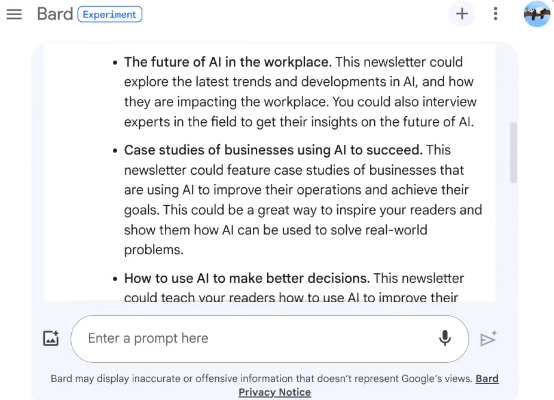
You can use this feature by asking Bard to use a Google Docs you already have:
1. Enable the Google Workspace extension by clicking on the icon in the top right-hand corner.
2. Create a Google Docs document and put in what you want
3. Use the prompt below in Bard
Prompt: “Brainstorm from my Google Docs “Your Document Name” to find new [topic] ideas.”
Tips and tricks:
– You can ask Bard to explore several documents at the same time.
– Ask it to develop an idea it has come up with to write a first draft, for example.
– Click on “View other drafts” to see other ideas
I hope you’ll find it as useful as I did!
Feel free to share and follow me for more AI content!